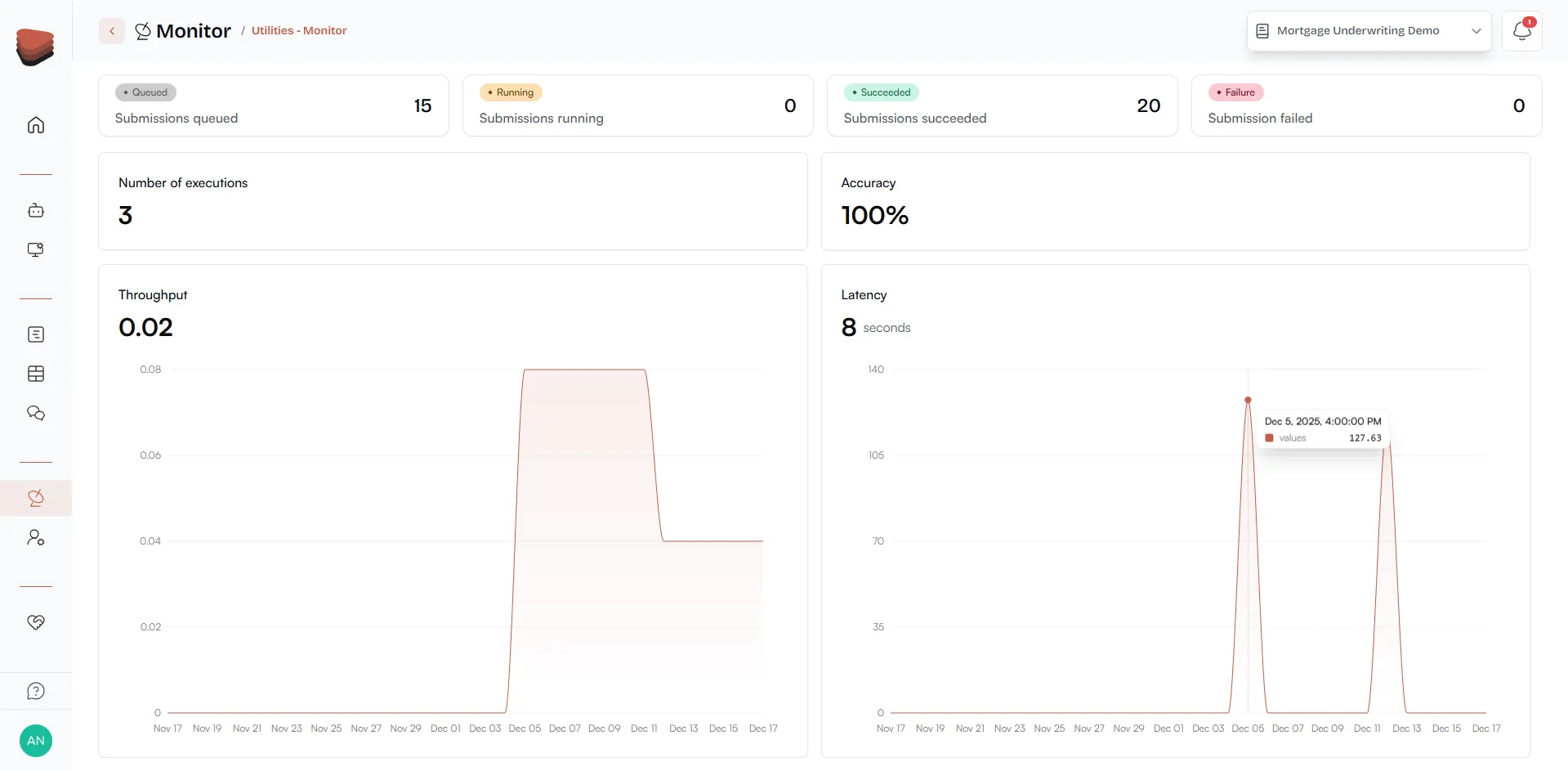
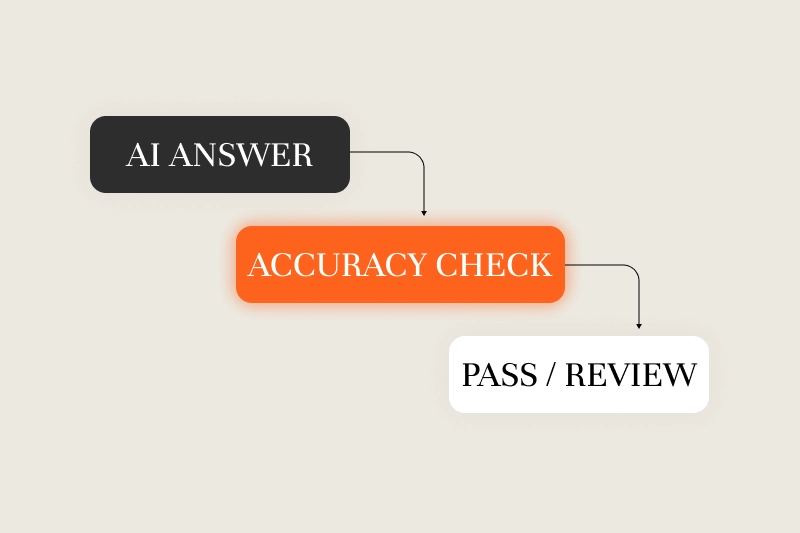
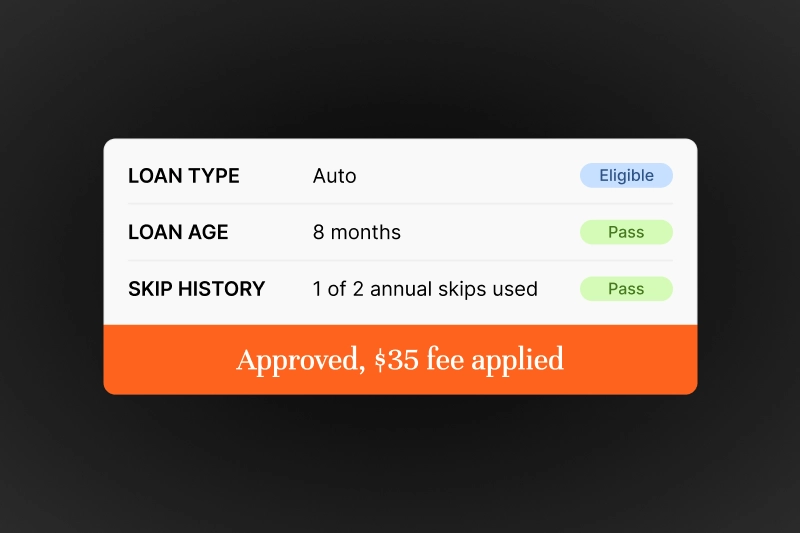
Progress Tracker shows the whole chain of thought for agentic workflows in real time.
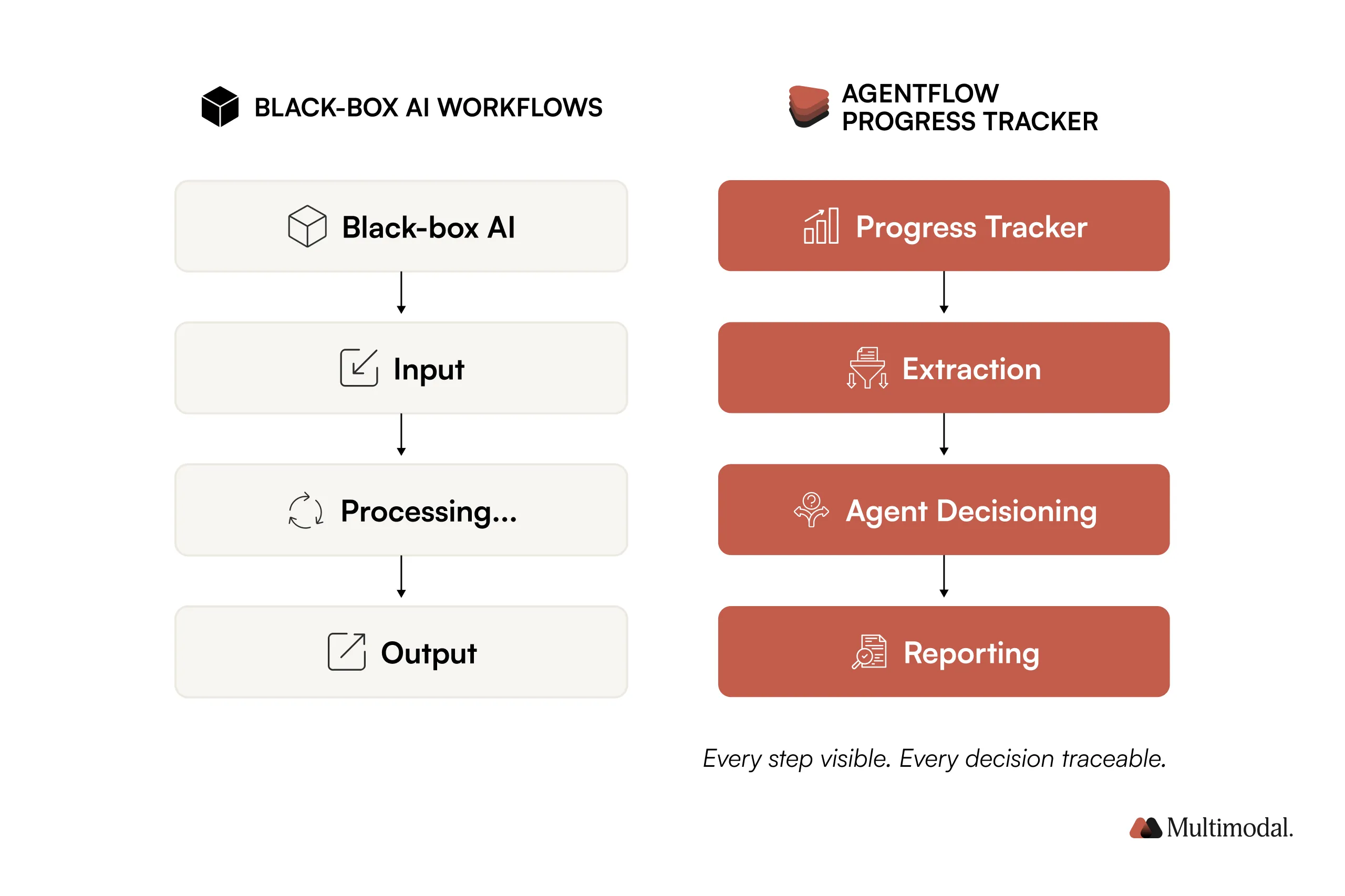
It replaces black-box automation with clear visibility into what each agent is doing and why.
Built-in transparency supports trust, compliance, and faster user adoption.
Live execution insight enables faster, more precise troubleshooting and iteration.
One shared execution view serves both workflow users and compliance teams.
Get 1% smarter about AI in financial services every week.
Receive weekly micro lessons on agentic AI, our company updates, and tips from our team right in your inbox. Unsubscribe anytime.
Thank you! Your submission has been received!
Oops! Something went wrong while submitting the form.
Multimodal’s AgentFlow now includes Progress Tracker, a real-time interface that makes agentic workflows visible as they run.
Agentic AI is only helpful if you can trust what it’s doing. Until now, agent workflows often ran in a black box, leaving teams wondering: What’s happening under the hood? Is it even working?
Progress Tracker changes that.
What Is Progress Tracker?
Progress Tracker is the visibility interface for AgentFlow. It shows users exactly what’s happening at every stage of a multi-agent workflow in real time. No more guesswork, no more hand-waving about “AI magic.”
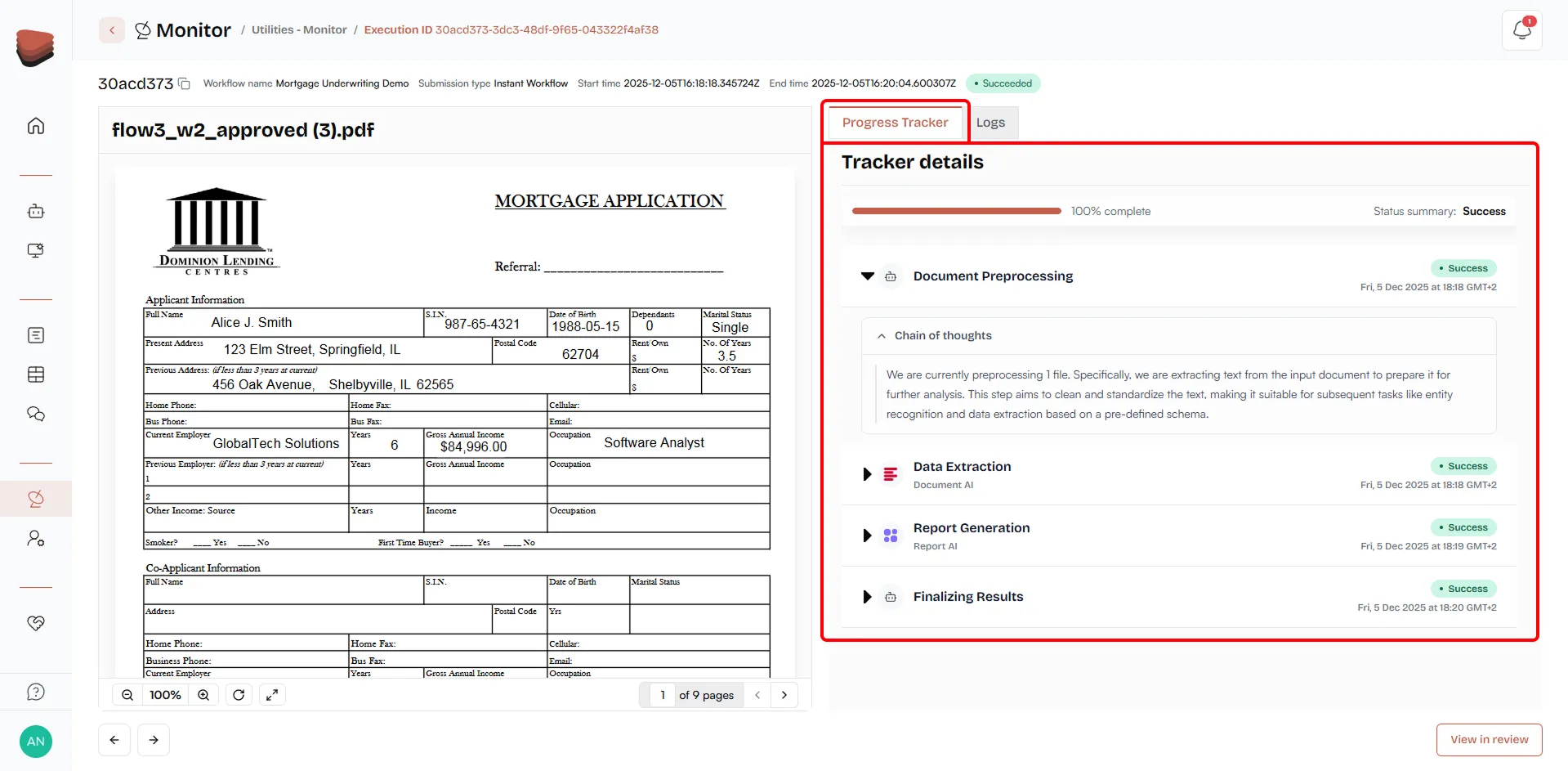
It’s not just a status bar. Progress Tracker exposes the chain-of-thought behind your workflows, offering:
Real-time execution status
Step-by-step task view with percent completion
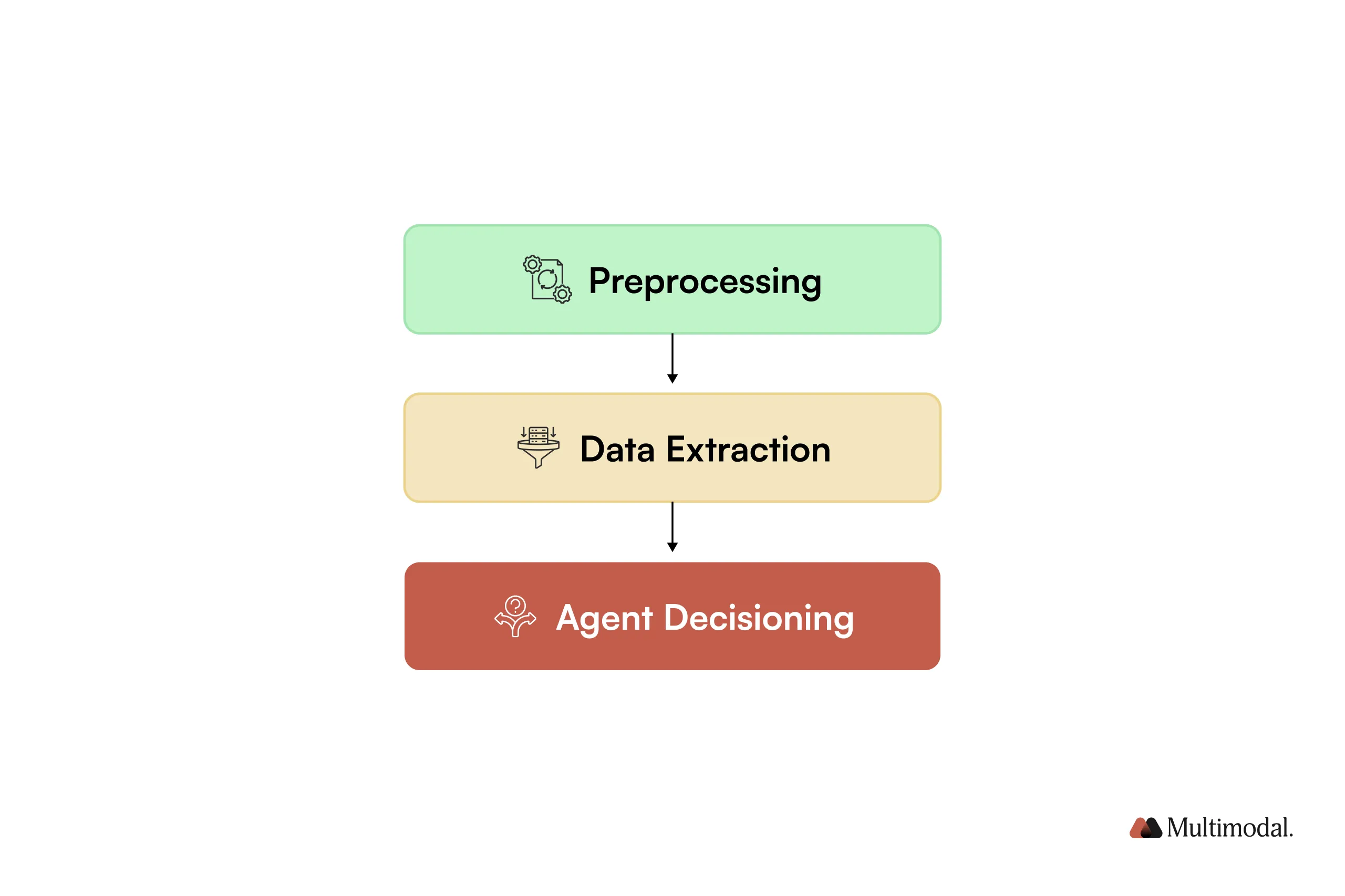
Detailed reasoning per stage (e.g., preprocessing, extraction, decisioning)
Visibility into which agents are active, and what each is doing
Live updates on data transformation at each stage
This is the first interface to prove that real agents, not scripts or single-shot prompts, are coordinating to execute meaningful, production-grade tasks.
How Progress Tracker Works
Progress Tracker is designed to make agentic workflows observable while they run, not after the fact.
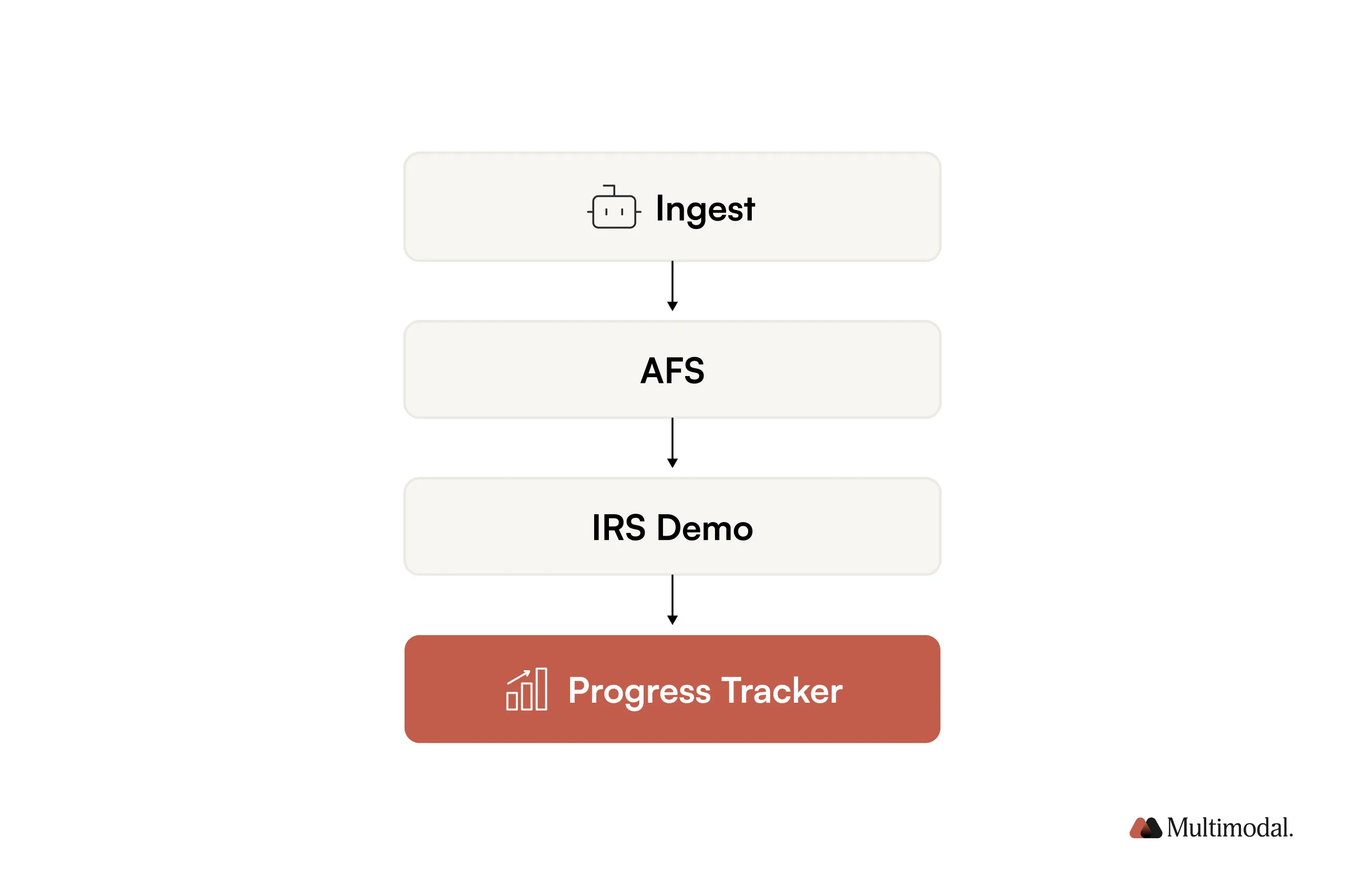
Let’s walk through a real workflow using the AFS – IRS demo, where multiple tax documents are ingested and processed by AgentFlow.
Step 1: Upload Real Documents
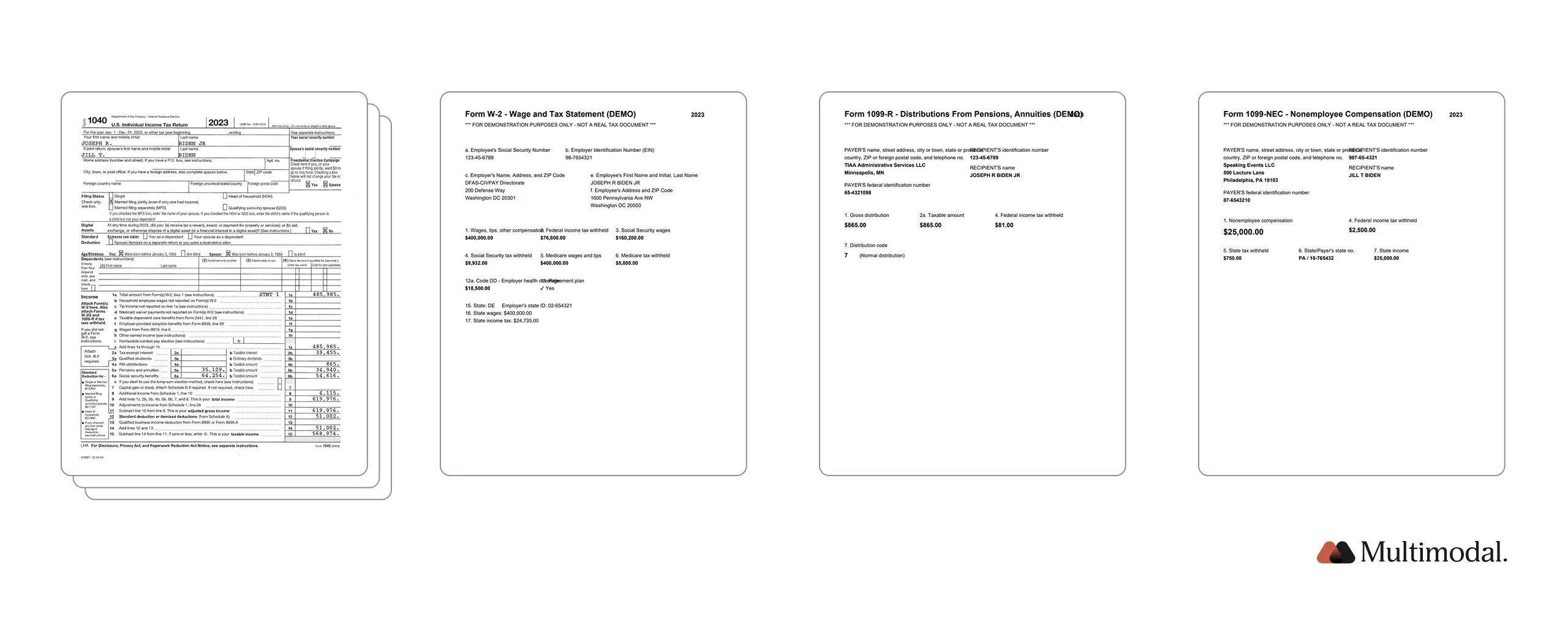
The workflow starts at Ingest, where users upload a batch of documents instead of triggering a single, isolated task. In this demo, you’ll see multiple IRS tax forms processed within one coordinated workflow:
Each document is treated as an independent input, but processed as part of one coordinated, multi-agent workflow.
Once uploaded, the workflow moves to Monitor, where Progress Tracker becomes active.
Step 2: Document Preprocessing (Visibility from the First Second)
As soon as execution begins, Progress Tracker shows the workflow moving through preprocessing.
Supervisory agents validating outputs before completion
Instead of a single “AI result,” you see coordination in motion; multiple agents working toward a shared outcome.
Step 5: Completion, Outputs, and Audit Trace
As the workflow finishes:
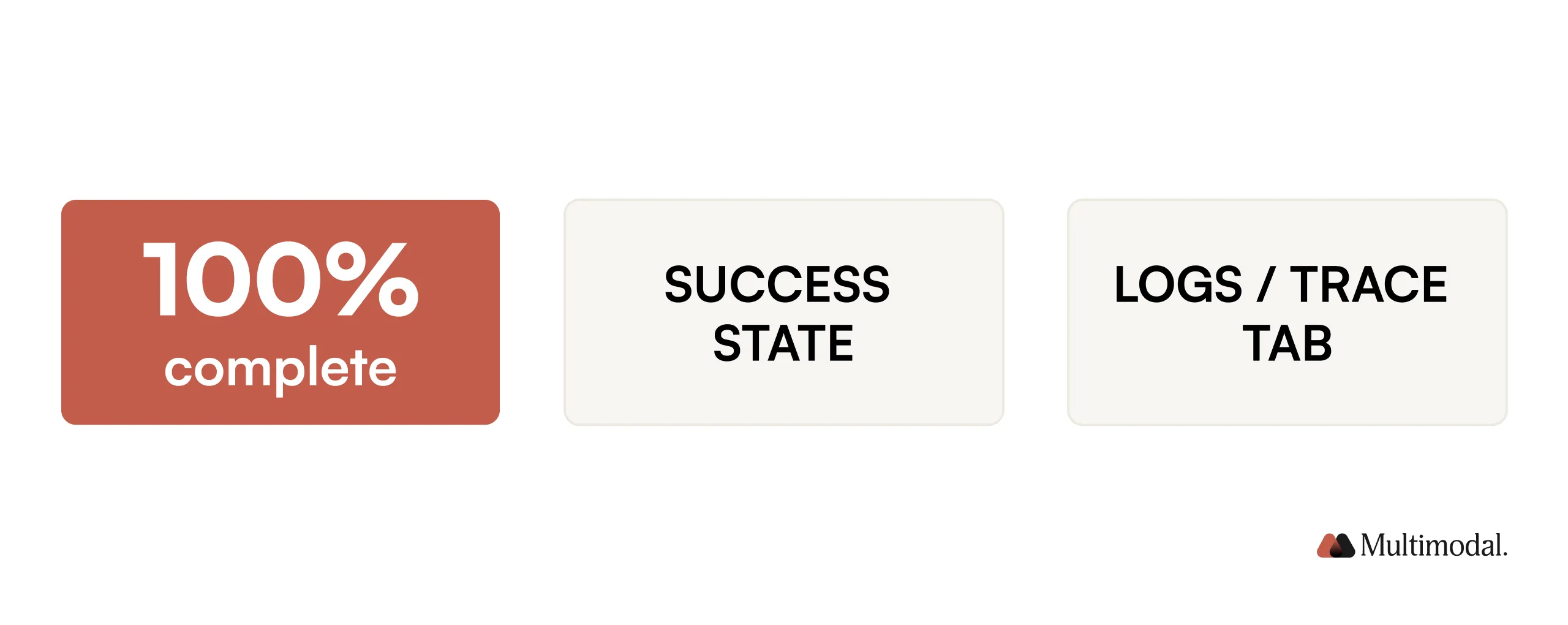
Progress reaches 100%
Outputs become available
A complete execution trace is logged
Every step, from ingestion to final output, remains inspectable even after the run completes.
Progress Tracker doesn’t just tell you the workflow is done. It shows you how it got there.
Why Chain-of-Thought Visibility Matters
Progress Tracker’s true value lies in making agentic AI accountable. By exposing internal reasoning and step-level coordination, it closes the transparency gap that’s held enterprise AI back.
A recent paper from the AI safety research community confirms this: “Users are more likely to trust multi-agent systems when they can see intermediate steps and rationale.”
That’s exactly what Progress Tracker delivers.
Trust in Agentic AI
Black-box automation breeds skepticism. By visualizing each stage of reasoning, organizations can:
Understand why a decision was made
Confirm agents are coordinating, not defaulting to single-shot prompts
Validate that the system follows compliance logic and SOPs
It’s a new trust baseline for regulated industries.
Better User Confidence & Adoption
Line-of-business teams are more likely to adopt workflows they can observe and understand.
Progress Tracker supports that by:
Providing a live interface, not a retroactive report
Translating technical logic into plain language steps
Enabling SMEs to “see the reasoning” and offer feedback
This creates a natural handoff between automation and human review.
Compliance & Auditability
Every workflow in AgentFlow already generates audit logs. But Progress Tracker adds another layer:
Visual step mapping aligned to internal SOPs
Confidence thresholds and agent IDs for every action
Immutable logs accessible via API or dashboard tools like Splunk
This is audit readiness by design, not an afterthought.
Faster Troubleshooting & Iteration
When something breaks or underperforms, teams need answers fast.
With Progress Tracker:
Engineering sees where agents bottleneck or error out
Ops can isolate which document failed and why
SMEs can diagnose model performance with full traceability
That shortens feedback loops and accelerates iteration cycles.
Workflow Transparency in Practice
Want to see Progress Tracker in action? In this short video demo, you’ll follow a multi-agent workflow from document upload through final output.
What to look for:
How the interface updates live as agents process files
Step-by-step breakdown of extraction, reasoning, and reporting
Agent handoffs and percent completion metrics in real time
Visibility isn’t just a feature; it changes how teams work together.
Skepticism drops. People can see what’s real.
Adoption rises. Teams trust what they understand.
Collaboration improves. Engineers, analysts, and compliance speak a shared language of execution.
And perhaps most importantly, Progress Tracker makes it clear: these aren’t toy agents. They’re doing the work.
How Different Teams Use Progress Tracker
Progress Tracker isn’t just useful for one role. It creates shared visibility across the entire organization.
From day-to-day workflow users to auditors and compliance teams, each group interacts with the same execution trail, just through a different lens.
Workflow Users
These are your analysts, processors, or claims handlers. For them, Progress Tracker offers:
A live view into what the system is doing
Confidence to trust automation when accuracy thresholds are hit
Real-time alerts when something needs their attention
They don’t need to open logs. They get clarity, in context, while the work is running.
Auditors & Compliance Teams
For compliance officers, Progress Tracker becomes a built-in audit trail:
Every agent action is documented
Confidence scores and thresholds are preserved
Steps are tied back to specific documents and business rules
No screenshots. No email chains. Just provable agent behavior from start to finish.
Explore AgentFlow with Progress Tracker
AgentFlow was already built to run complex, high-stakes workflows. Now, with Progress Tracker, you can watch it work.
This isn’t just transparency. It’s a whole new way to interact with automation, and to prove that your AI is doing real work.
See Your Agentic Workflows in Real Time
Add Progress Tracker to your AgentFlow deployment and monitor every workflow as it executes—live.

.svg)
.svg)

.avif)
.png)

.png)